Understand the cell.See the risk earlier.
Connect data quality, cell health and risk trends in one diagnostic approach. Give operations teams a clearer path from an abnormal signal to an informed response.
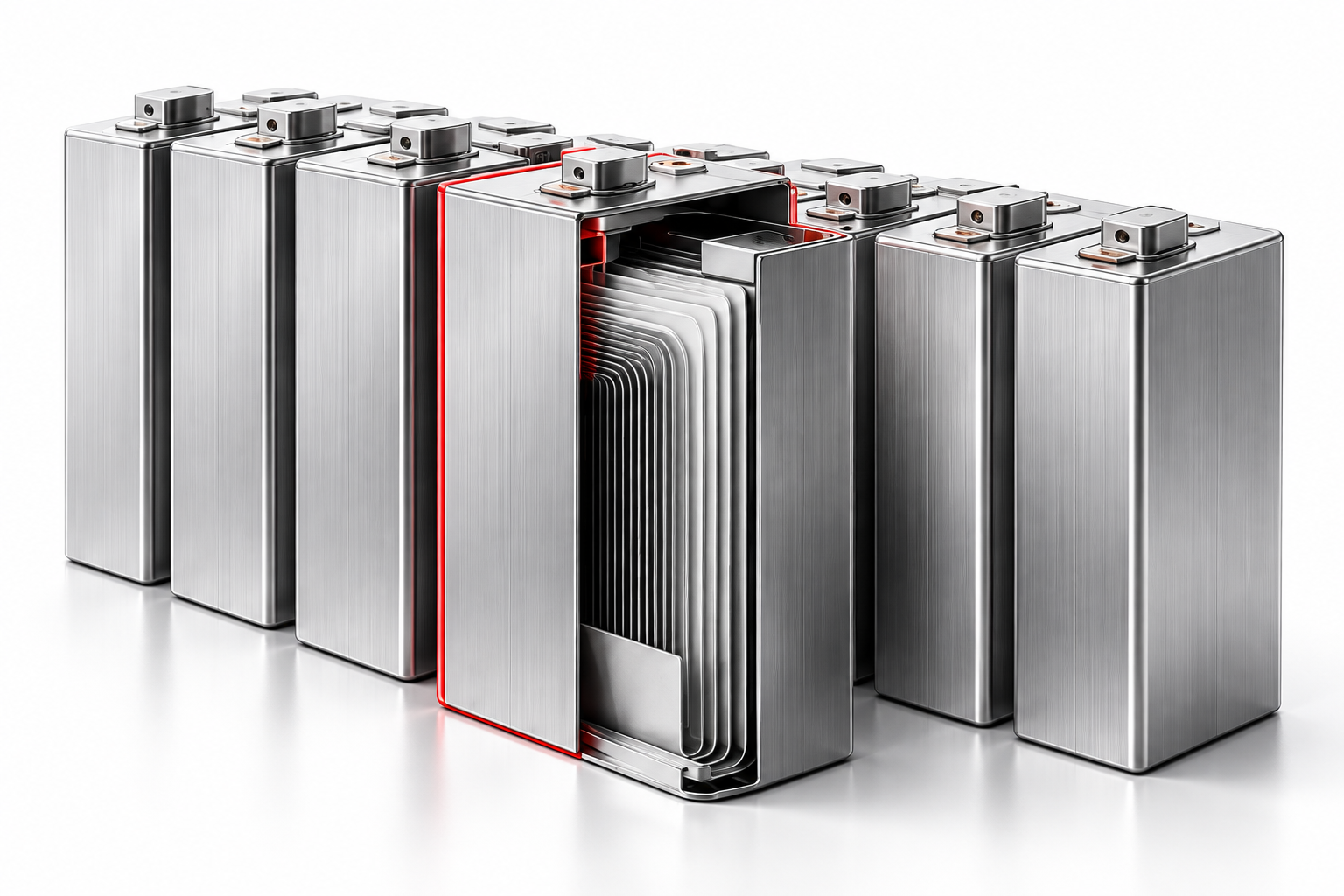
- Cell-level insight
- Risk trend assessment
- Maintenance feedback
Five dimensions. One clear picture.
Start with reliable data. Understand the cell, step by step.
Start with signals you can trust.
Review missing samples, sensor anomalies and related measurements before interpreting a change in the battery.
- Sample quality
- Sensor anomalies
Concept illustration · Not live operating data
Understand how the battery is used.
Review charging and discharging conditions, including overcharge, overdischarge, temperature extremes and overcurrent.
- Charge and discharge
- Temperature and current
Concept illustration · Not live operating data
Spot cells drifting from the group.
Compare voltage, temperature and state of charge across cells to investigate inconsistent behavior and abnormal aging.
- Voltage and temperature
- State of charge (SOC)
Concept illustration · Not live operating data
Connect an anomaly to its context.
Examine resistance changes and electrical and thermal behavior to assess signs associated with internal short circuits and thermal runaway.
- Resistance changes
- Electrical and thermal signals
Concept illustration · Not live operating data
Follow the direction of change.
Review historical trends and graded warnings to prioritize further investigation and maintenance.
- Historical trends
- Graded warnings
Concept illustration · Not live operating data
From the system to a single cell.
Keep the equipment hierarchy alongside the evidence, so an alert has a location—not just a name.
- System
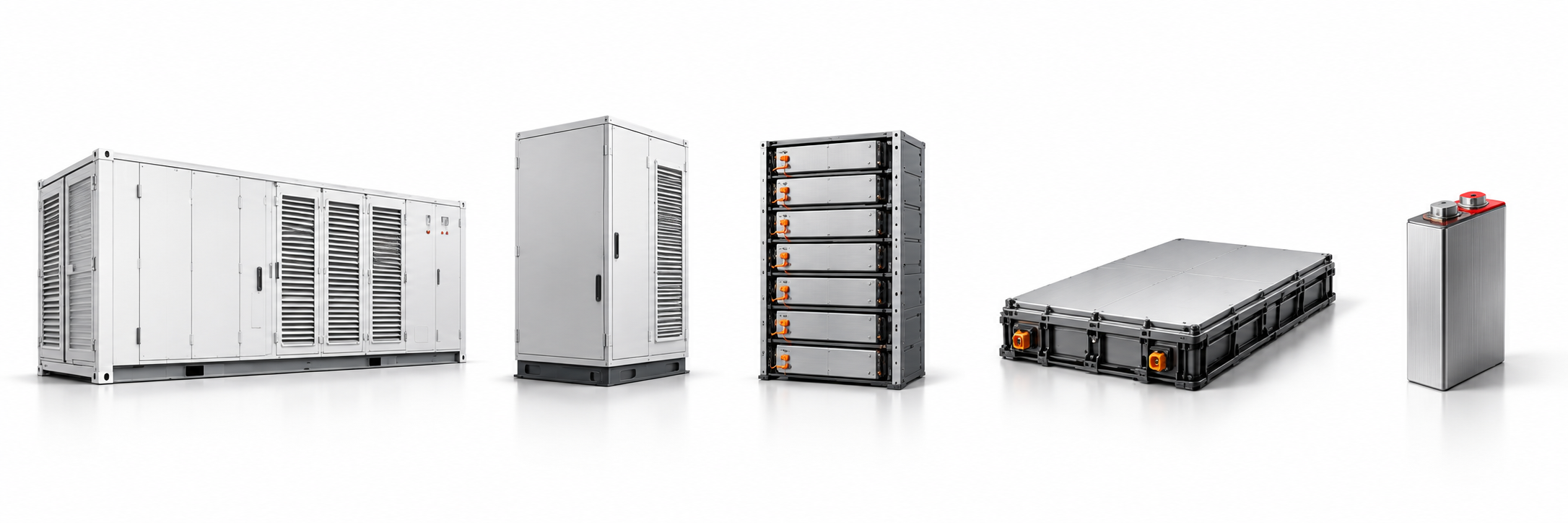
- Cabinet
- Rack
- Pack
- Cell
Trace the asset path, then review the alert, related measurements and historical curves. Concept illustration · Not live operating data
- ObserveBring related measurements and operating history together.
- AssessReview abnormal behavior and its risk context.
- LocateTrace the affected equipment down to the cell.
- RespondReview maintenance recommendations and verify the outcome.
Turn insight into action.
Discuss data availability, deployment boundaries and your diagnostic priorities.